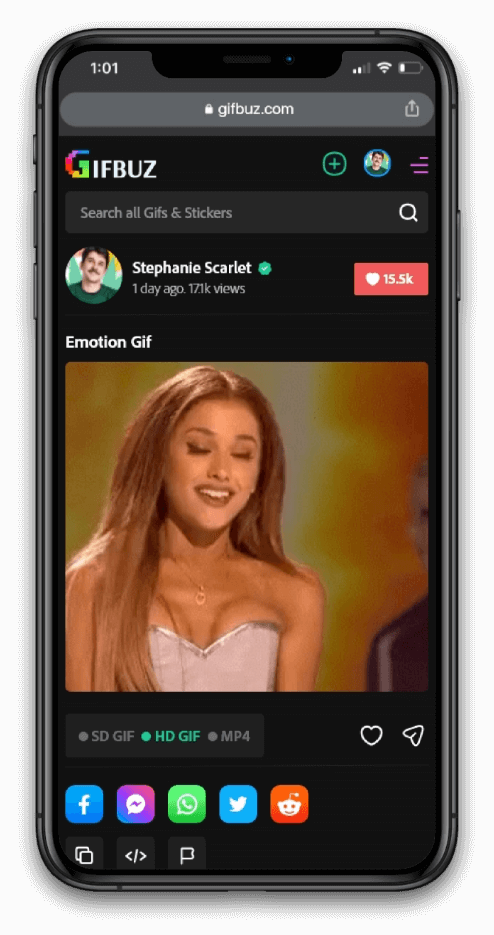
Upload Gif
Select video/ Gif to edit (Maximum 10 min video & less than 100MB are allowed.
How to Create gif form video
Converting your image to use as part of a bigger project? Unleash your creativity with the photo editing capabilities and design tools from Adobe Express. Add icons, typography, animation, and GIFs. Enhance your image with filters and specific editing .

Select
Choose a JPG image from your photo library that is less than 2GB in size.

Create
Choose a JPG image from your photo library that is less than 2GB in size.

Share
Choose a JPG image from your photo library that is less than 2GB in size.


Create your own GIFs
Creating GIFs is fun and easy! Edit the GIFs and MP4s that you upload to Tenor by trimming, cropping, and adding custom captions to your content
Click to upload Gifs
Creating GIFs is fun and easy! Edit the GIFs and MP4s that you upload to Tenor by trimming, cropping, and adding custom captions to your content






Share Anywhere Gifs
Converting your image to use as part of a bigger project? Unleash your creativity with the photo editing capabilities and design tools from Adobe Express. Add icons, typography, animation, and GIFs. Enhance your image with filters and specific editing adjustments. Then, resize your image to share across any digital or printed platform.